1: Chcek if Mongo Db is installed Or Not ?
C:\Users\mani.shankar>”c:\Program Files\MongoDB\Server\4.0\bin\mongo.exe”
MongoDB shell version v4.0.2
connecting to: mongodb://127.0.0.1:27017
2: Installing Mongo db follow below Link :
https://docs.mongodb.com/v3.2/tutorial/install-mongodb-on-windows/
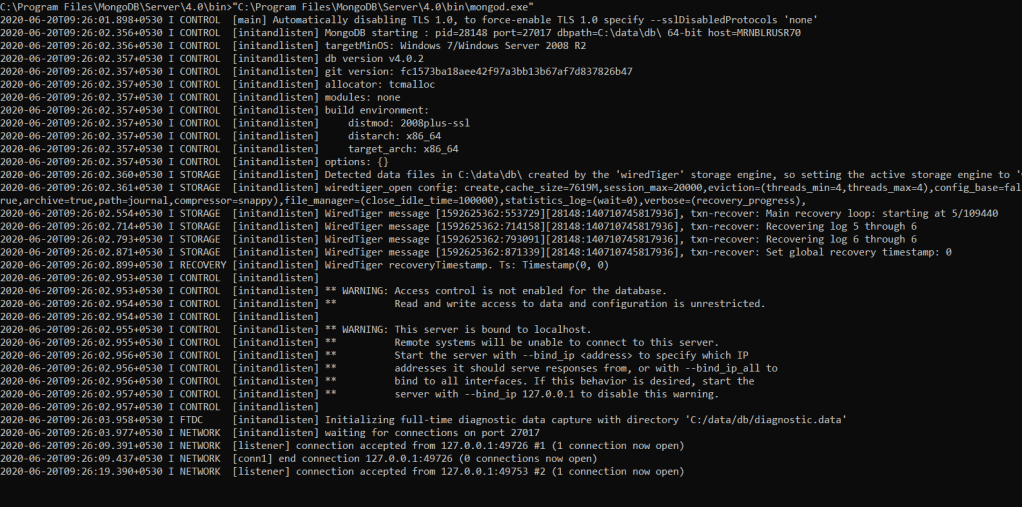
3:Go to the locataion C:\Windows\System32\cmd.exe
Start mongod.exe
C:\Program Files\MongoDB\Server\4.0\bin\mongod.exe
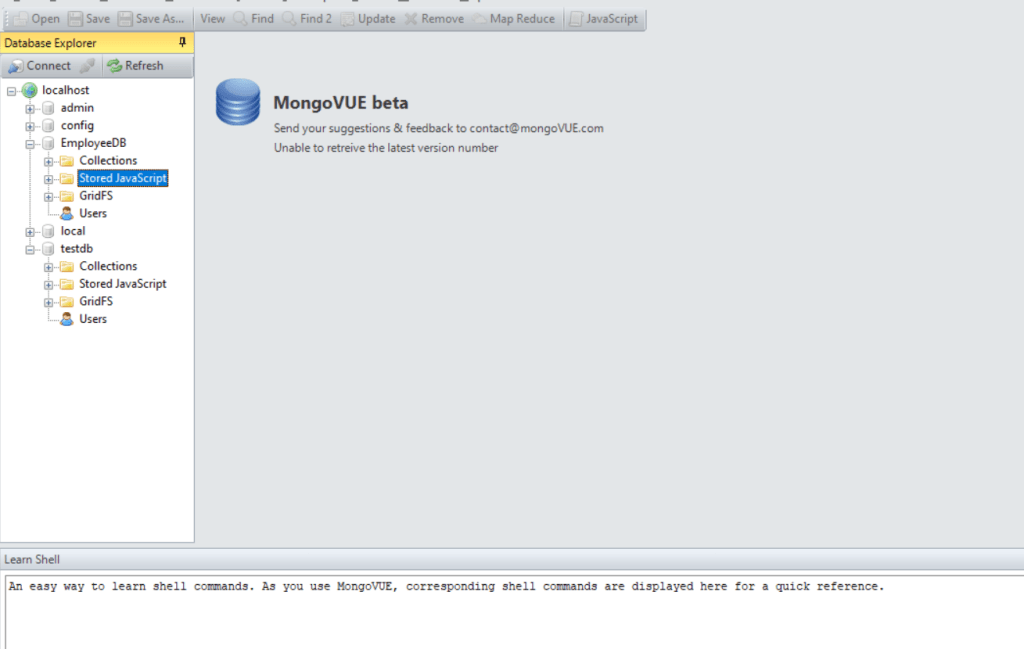
4: connect any MongoDB Tool
 Site Title